> ## Documentation Index
> Fetch the complete documentation index at: https://docs.anchorage.com/llms.txt
> Use this file to discover all available pages before exploring further.
# How it works
> Understand Porto's key concepts and how institutional self-custody works.
Porto is an institutional self-custody wallet that gives your organization full control over digital assets while maintaining institutional-grade security. Here's how the core concepts work together.
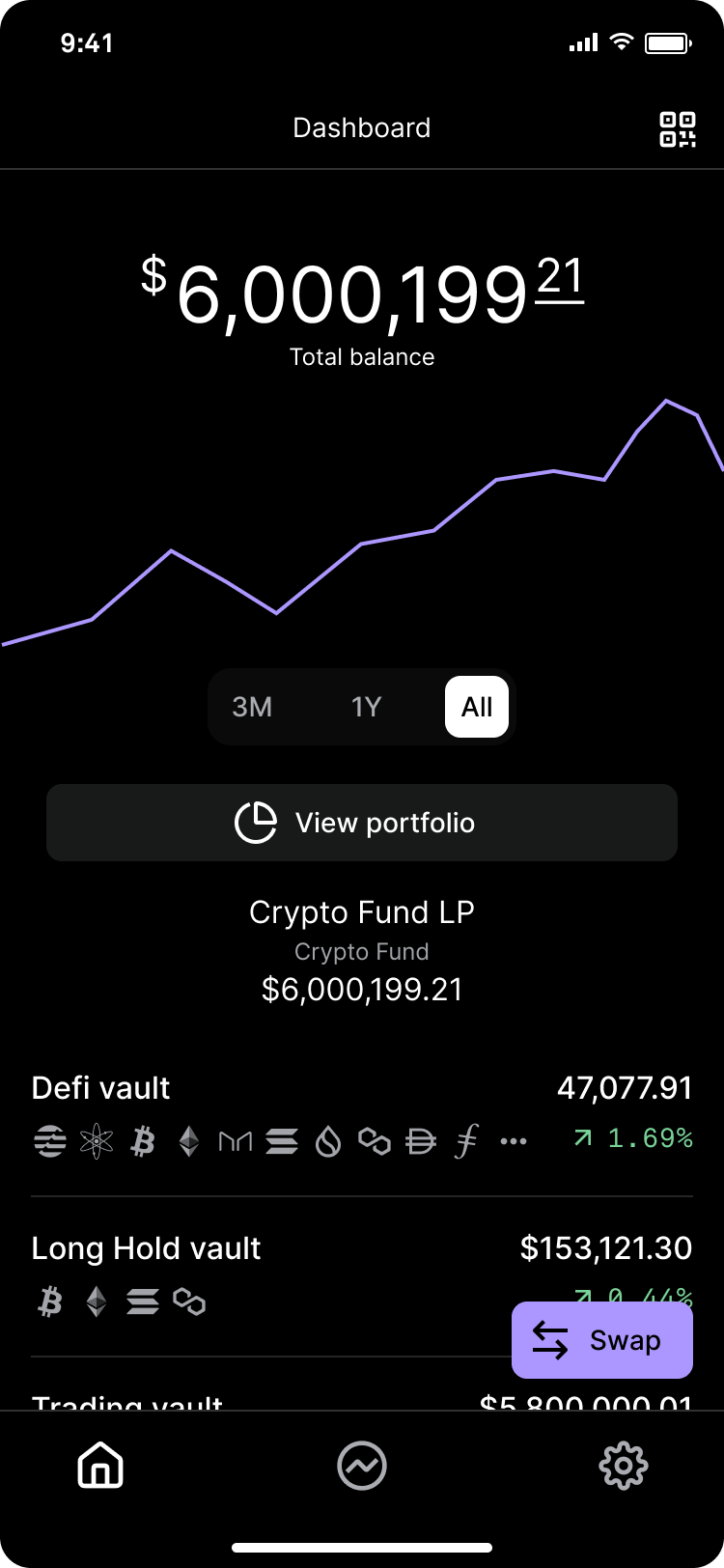 Secure containers that hold your digital assets. Each vault has its own set of users, policies, and approval requirements.
Within each vault, you can create multiple wallets for different assets. Each wallet has a unique deposit address.
Organization members with specific permissions. Roles determine who can initiate operations, approve transactions, and manage settings.
Rules that define how operations work. Policies set approval requirements, quorum members, and permissions for different actions.
Groups of approvers required to authorize operations. Quorums ensure no single person can move assets without oversight.
The process of authorizing sensitive operations. Approvals involve biometric authentication and quorum sign-offs based on your policies.
## The approval flow
Operations like transfers, user management, and policy changes follow a standard approval flow:
1. **Initiator submits** — An authorized user starts the operation and provides details
2. **Initiator approves** — They complete biometric authentication on their device
3. **Quorum approves** — Policy-designated approvers review and authorize the operation
4. **Anchorage Digital reviews** — For certain operations, our compliance team provides final review
5. **Operation executes** — Once all approvals are complete, the operation is processed
## Self-custody with institutional security
Porto gives you true self-custody — you control your private keys and digital assets — while maintaining the security and governance controls institutions require:
* **Full control**: You hold the keys. Anchorage Digital never has access to your assets.
* **Multi-signature**: Operations require approval from designated team members.
* **Audit trail**: Every action is logged and visible in your activity history.
* **Flexible policies**: Configure approval requirements for different operation types.
* **Team collaboration**: Distribute responsibilities across your organization.
## Getting started
Ready to set up your organization? Start with these guides:
* [Logging in & homepage](/knowledge-base/porto/getting-started/login-homepage) — Your first steps
* [Mobile app & browser extension](/knowledge-base/porto/getting-started/mobile-app) — Download and install
* [Setting up participants](/knowledge-base/porto/getting-started/setup-participants) — Add your team
* [Creating vaults](/knowledge-base/porto/vaults-wallets/vaults) — Organize your assets
Secure containers that hold your digital assets. Each vault has its own set of users, policies, and approval requirements.
Within each vault, you can create multiple wallets for different assets. Each wallet has a unique deposit address.
Organization members with specific permissions. Roles determine who can initiate operations, approve transactions, and manage settings.
Rules that define how operations work. Policies set approval requirements, quorum members, and permissions for different actions.
Groups of approvers required to authorize operations. Quorums ensure no single person can move assets without oversight.
The process of authorizing sensitive operations. Approvals involve biometric authentication and quorum sign-offs based on your policies.
## The approval flow
Operations like transfers, user management, and policy changes follow a standard approval flow:
1. **Initiator submits** — An authorized user starts the operation and provides details
2. **Initiator approves** — They complete biometric authentication on their device
3. **Quorum approves** — Policy-designated approvers review and authorize the operation
4. **Anchorage Digital reviews** — For certain operations, our compliance team provides final review
5. **Operation executes** — Once all approvals are complete, the operation is processed
## Self-custody with institutional security
Porto gives you true self-custody — you control your private keys and digital assets — while maintaining the security and governance controls institutions require:
* **Full control**: You hold the keys. Anchorage Digital never has access to your assets.
* **Multi-signature**: Operations require approval from designated team members.
* **Audit trail**: Every action is logged and visible in your activity history.
* **Flexible policies**: Configure approval requirements for different operation types.
* **Team collaboration**: Distribute responsibilities across your organization.
## Getting started
Ready to set up your organization? Start with these guides:
* [Logging in & homepage](/knowledge-base/porto/getting-started/login-homepage) — Your first steps
* [Mobile app & browser extension](/knowledge-base/porto/getting-started/mobile-app) — Download and install
* [Setting up participants](/knowledge-base/porto/getting-started/setup-participants) — Add your team
* [Creating vaults](/knowledge-base/porto/vaults-wallets/vaults) — Organize your assets