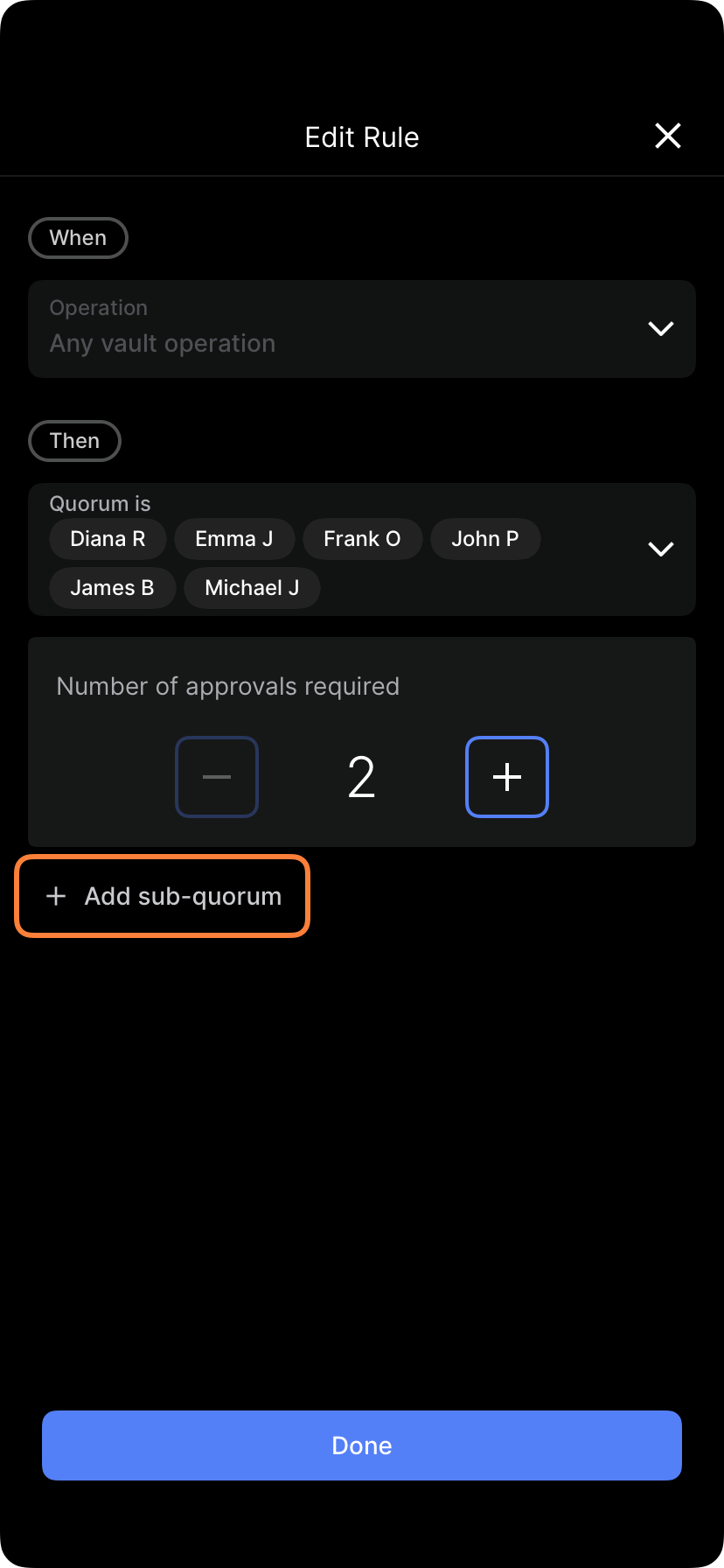
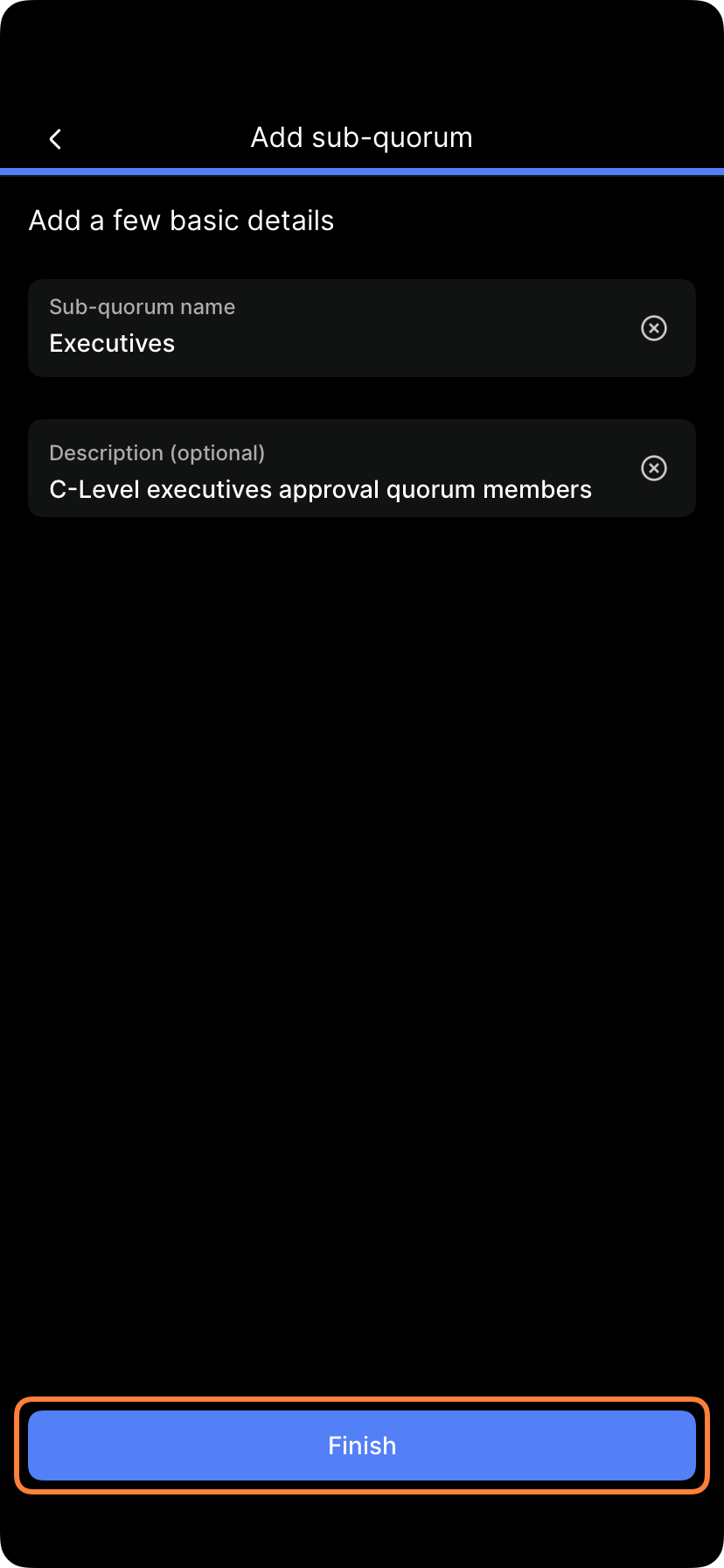
Create nested approval structures with subquorums for complex approval flows.
You’re viewing Porto documentation — a distinct product from Anchorage Digital’s core custody platform. Go to Anchorage Digital docs →
A subquorum is an additional approval prerequisite on top of a rule’s base quorum. Each subquorum you add is an independent, mandatory requirement: the operation cannot complete until every sub-quorum attached to the rule has met its own approval count, in addition to the base quorum. There is no AND/OR selector and no nesting — every sub-quorum on a rule must pass.
Subquorums are an advanced feature. Standard quorum requirements may be sufficient for most organizations. Ask your administrator if subquorums are enabled for your organization.
A subquorum is a group of approvers, drawn from the rule’s base quorum pool, with its own required approval count. You can attach multiple subquorums to a single rule — but all of them must be satisfied. Subquorums cannot be combined with OR logic, and one subquorum cannot be nested inside another.Example:
Base quorum: 2 of 7 approvers
Subquorum A: 1 of 3 Autonomous representatives
Subquorum B: 1 of 2 Labs representatives
Result: An operation needs 2 of the 7 base-quorum approvers and at least 1 Autonomous approver and at least 1 Labs approver — all three requirements must be met together.
Distributed approval — Different departments or groups must each contribute at least one approver
Specialist sign-off — Legal, compliance, risk, or another specialist group must approve certain operations
Multi-entity — Multiple legal entities or investor groups in one vault each need representation in approval
Subquorums cannot express “either group can approve” (OR) logic, and cannot express a maximum/cap on a group’s participation — they only add a minimum floor requirement per group.Example scenarios:
Scenario
How to model it with subquorums
Treasury and Risk must both contribute an approver
Subquorum A: 1 of Treasury members; Subquorum B: 1 of Risk members — both required
Every one of three regional offices must have a signer
One subquorum per region, each requiring at least 1 approver
Multi-geography sign-off
Subquorum per geography, each requiring at least 1 approver from that region
Subquorum A (Finance): 2 of {CFO, Controller, Treasurer} Subquorum B (Risk): 1 of {VP Risk, Compliance Officer}Result: For a large withdrawal, the base quorum must be met, and Finance’s requirement must be met, and Risk’s requirement must be met — all three independently.
Subquorum A (Group 1): 1 of 4 Group 1 members Subquorum B (Group 2): 1 of 2 Group 2 members Subquorum C (Group 3): 1 of 1 Group 3 memberResult: Every operation needs at least one approver from each of the three groups, in addition to meeting the base quorum. There is no way to make a group optional — a subquorum always adds a mandatory floor, never a cap or an “either/or” alternative. If you need one group to be optional, don’t add a subquorum for it; only add subquorums for groups whose participation is mandatory.
Subquorums cannot express “either Group A or Group B can approve” — every subquorum attached to a rule is mandatory.
If you want an optional group, don’t create a subquorum for it.
Mistake 2: Expecting a maximum/cap
Subquorums set a floor (at least N approvers from this group), never a ceiling. You cannot use a subquorum to limit a group to “at most 1 counted signer.”
Mistake 3: Too many subquorums
Every subquorum you add is a mandatory prerequisite. Adding many subquorums to one rule can make approval very slow, since all of them must be satisfied.
Solution: only add subquorums for groups whose participation is genuinely required for every matching operation.
Mistake 4: Stale members
Subquorum includes people who’ve left the organization.
Solution: regularly review and update subquorum membership.
Trace through scenarios — Mentally trace an operation through the base quorum and every attached subquorum
Check every subquorum can be met — Since all are mandatory, confirm there’s no subquorum whose members are all unavailable
Confirm this is really what you want — Since subquorums can’t be made optional or capped, verify the mandatory-floor model matches your intended approval structure