When to edit subquorums
Consider editing when:- Team changes — Someone joins or leaves the approval group
- Role changes — Someone’s role changes; they should no longer be an approver
- Approval speed — Current requirements are too strict or too lenient
- Business changes — Your business structure changes (merge, reorganization)
- Redundancy — You have overlapping or duplicate subquorums
Edit a subquorum
1
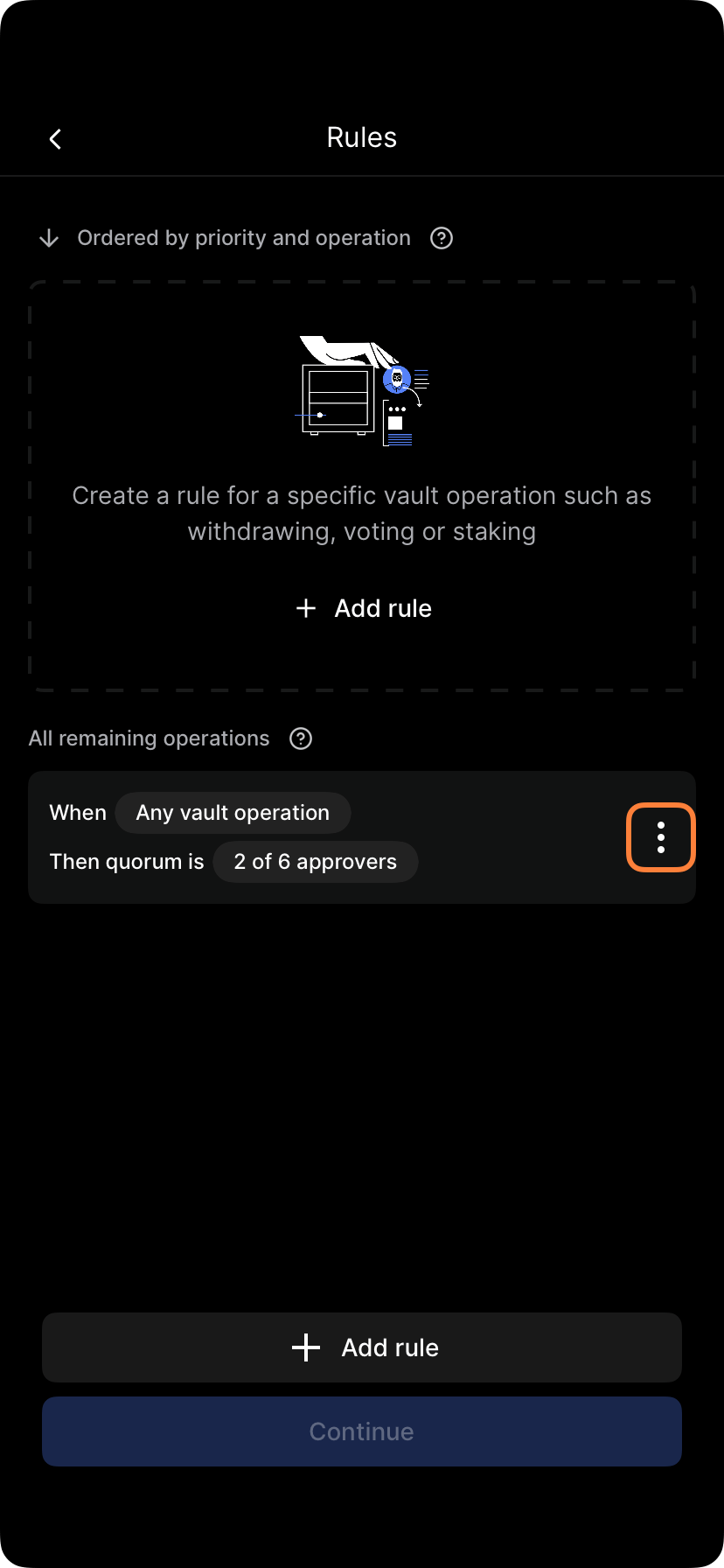
Open vault policies
Go to Settings > Policies > Vault policy.
2
Find the subquorum
Locate the subquorum you want to edit.

3
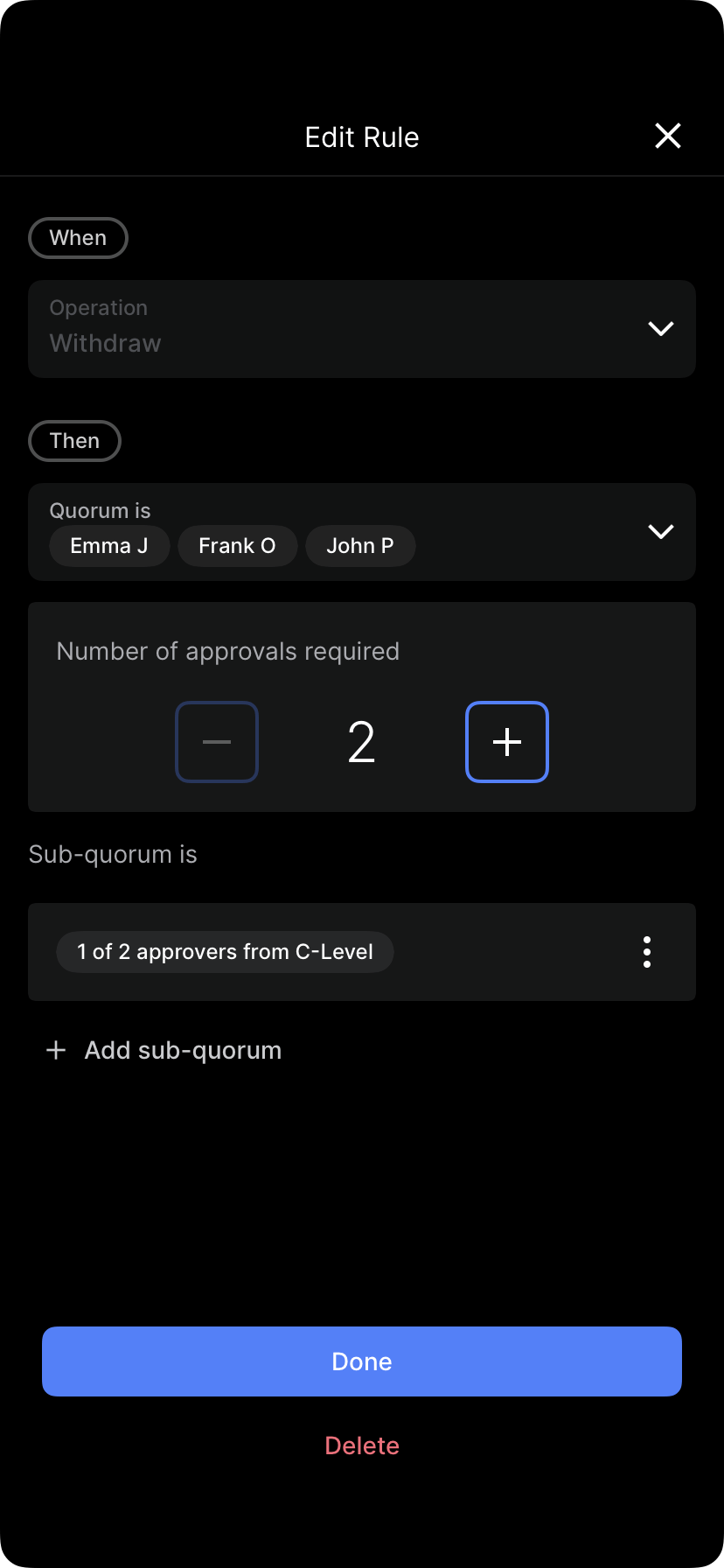
Tap edit
Select Edit subquorum or the pencil icon.

4
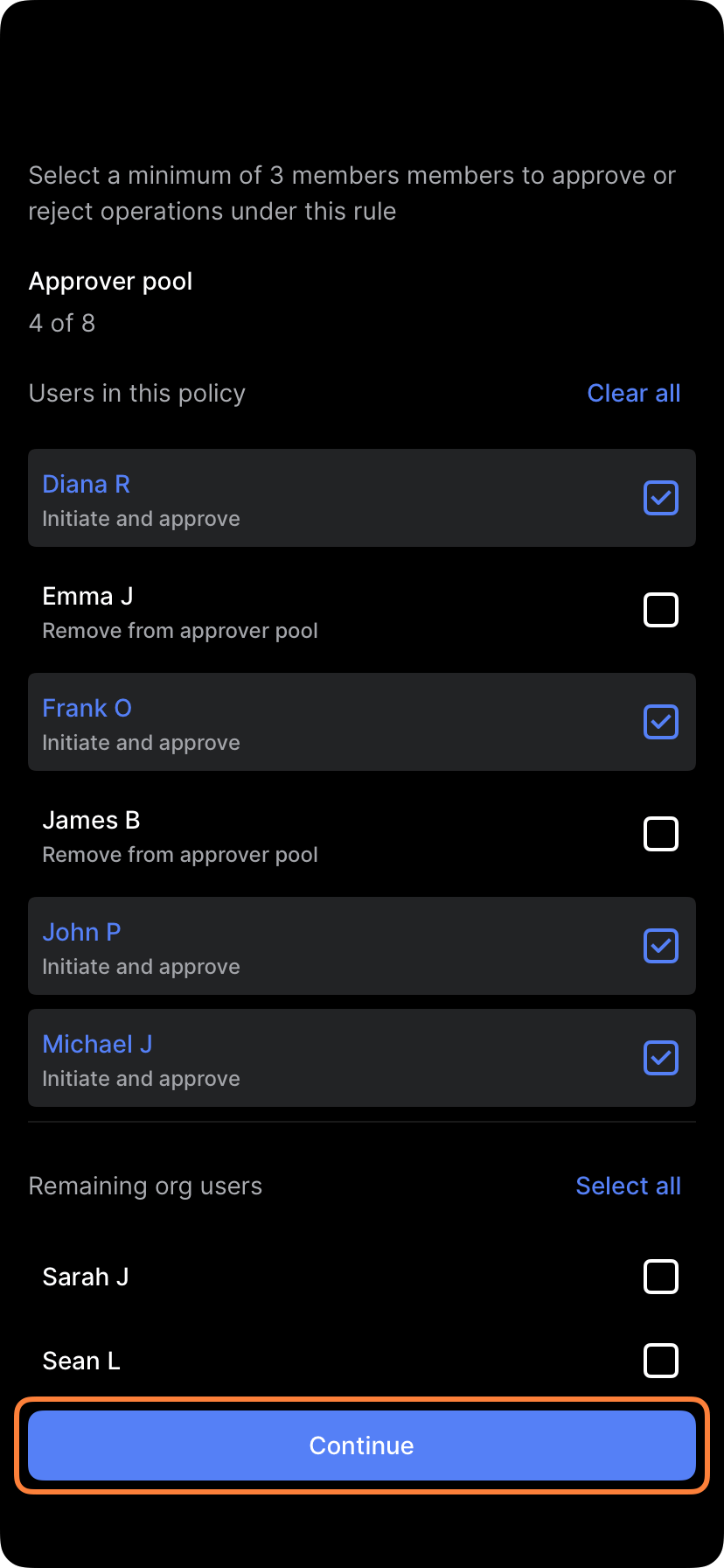
Modify membership
Add or remove members:
- Add: Tap Add member and select a user
- Remove: Tap Remove or X next to the member’s name

5
Adjust quorum requirement
Change how many approvers are needed:
- From: “2 of 3”
- To: “1 of 3” (faster) or “All” (stricter)

6
Rename if needed
You can update the subquorum name (e.g., “Treasury Committee” → “Finance & Operations”).
7
Save changes
Tap Save or Update subquorum.
8
Submit policy changes
Tap Submit policy or Apply changes. The edited subquorum takes effect.
9
Approve if required
If policy changes require approval, the modification must be approved.
Common edits
Add a member
Scenario: New CFO joins; needs to be an approver. Action:- Open Finance subquorum
- Tap Add member
- Select new CFO
- Save changes
Remove a member
Scenario: Treasurer leaving; should no longer approve operations. Action:- Open Finance subquorum
- Find Treasurer in the member list
- Tap Remove
- Save changes
Adjust approval threshold
Scenario: Too many approvers required; approvals are slow. Before: “3 of 5 Treasury Committee” After: “2 of 5 Treasury Committee” Action:- Open Treasury Committee subquorum
- Change requirement from “3 of 5” to “2 of 5”
- Save changes
Change subquorum relationship
Scenario: Subquorum logic should change. Before: Finance AND Risk (both must approve) After: Finance OR Risk (either can approve) Action:- Open vault policy
- Find subquorum relationship section
- Change from “AND” to “OR”
- Save policy
Member count adjustments
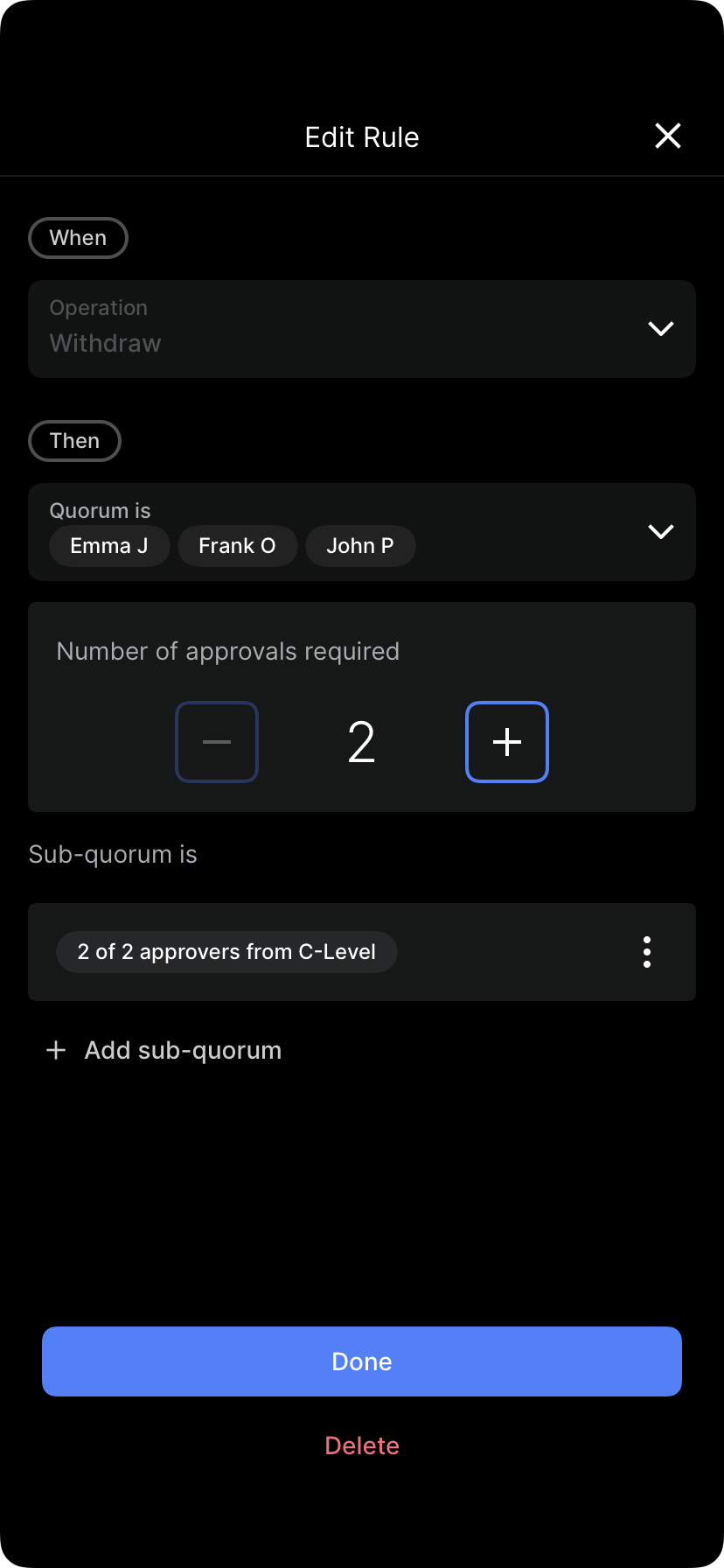
When you remove members, the quorum requirement may automatically adjust: Example:- Before: “2 of 3” members {CFO, Controller, Treasurer}
- Remove: Treasurer
- After: Automatic adjustment to “2 of 2” (both CFO and Controller now required)
- Manually adjust the requirement — Change “2 of 2” to “1 of 2” if that’s preferable
- Or add a replacement member — Add another treasurer to restore original structure
Renaming subquorums
You can rename a subquorum for clarity: Before: “SQ1” After: “US Signatories” Renaming helps users understand the subquorum’s purpose without changing its function.Editing subquorum logic
For complex structures, you might change how subquorums combine: Before: (Finance) AND (Risk) AND (Legal)- All three groups must approve
- Finance must approve, and either Risk or Legal must approve
Impact analysis
Before finalizing edits, consider the impact: Questions to ask:- Will this speed up or slow down approvals?
- Are any approval paths now impossible?
- Are any approvers now redundant?
- Will users understand the new structure?
Communicating subquorum changes
When you modify a subquorum, notify affected users:- What changed — Which subquorum and what specifically changed
- Why — Business reason for the modification
- Effective date — When does it take effect?
- Impact — How does this affect approval processes?
- Examples — Show an example of an operation under the new structure
- “We’re removing the Assistant Treasurer from the Finance subquorum (still have CFO and Controller).”
- “This changes ‘all 3 must approve’ to ‘2 of 2 must approve’ — approvals will be faster.”
- “Effective: January 10”
Approval for subquorum edits
Modifying subquorums requires the same approval as creating them:- Approvers: Based on your admin policy
- Timing: Edit takes effect after approval
- Audit trail: Changes are recorded showing before/after state
Rolling back edits
If an edit causes problems:- Revert to previous state — Some systems allow rolling back recent changes
- Manual reversion — Edit again to restore previous settings
- Notify users — Explain the reversion and why
Documenting subquorum changes
Record changes over time:
This history helps you understand policy evolution.
Best practices for editing subquorums
- Make one change at a time — Don’t edit multiple subquorums simultaneously; hard to track impact
- Test the impact — Mentally trace operations through the new structure
- Document the reason — Record why the change was made
- Communicate changes — Notify all approvers of modifications
- Review quarterly — Check that subquorum structure still matches org structure
- Keep it simple — 3-4 subquorums is usually enough; more than that is hard to manage
- Fallback paths — Ensure there’s always a way for operations to be approved, even if someone is unavailable