When to delete a subquorum
Consider deleting a subquorum when:- No longer needed — A subquorum is no longer part of your approval requirements
- Replaced — Another subquorum covers the same function
- Organizational restructure — After a major change, some subquorums become obsolete
- Consolidation — You’re simplifying your approval structure
Before deleting a subquorum
Before deletion, verify:- Check current use — Is this subquorum still referenced in any rules?
- Confirm replacement — Does another subquorum or rule handle its purpose?
- Impact analysis — What operations will be affected?
- Approval paths — Will operations still have valid approval paths after deletion?
- Compliance — Does your compliance requirement depend on this subquorum?
Delete a subquorum
1
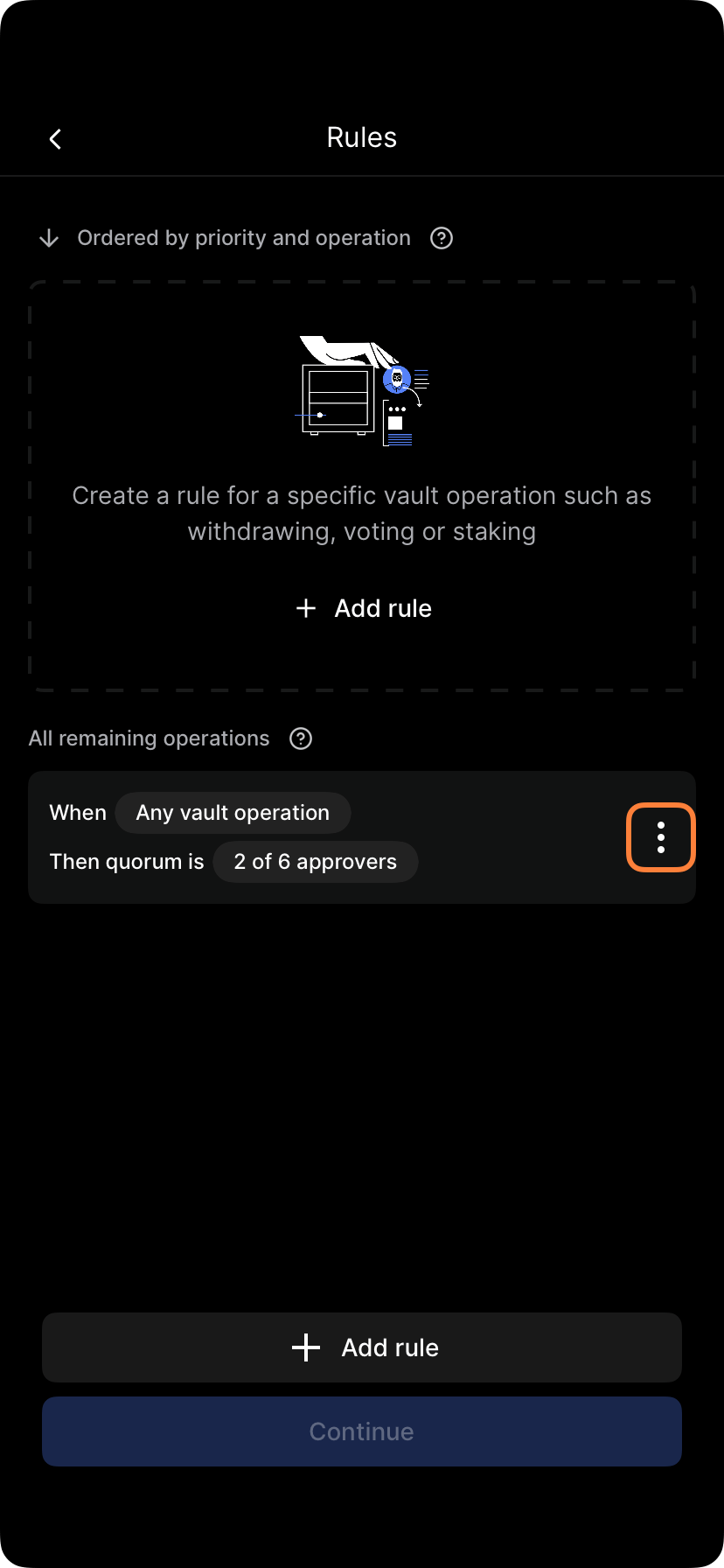
Open vault policies
Go to Settings > Policies > Vault policy.
2
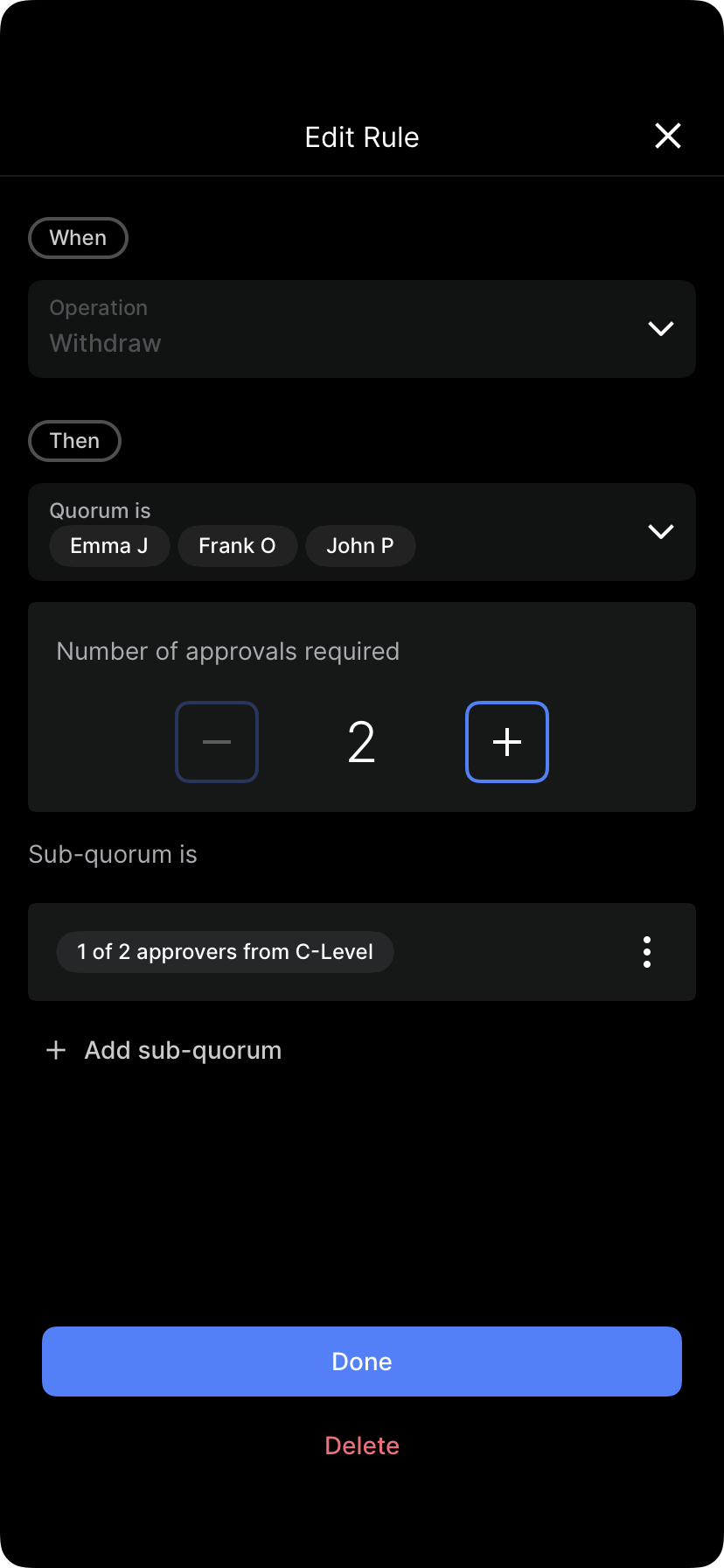
Find the subquorum
Locate the subquorum you want to delete.

3
Tap delete
Select Delete subquorum, Remove, or the trash icon.

4
Review impact
If shown, review which rules or operations reference this subquorum.
5
Confirm deletion
You’ll be asked to confirm. Review one more time.

6
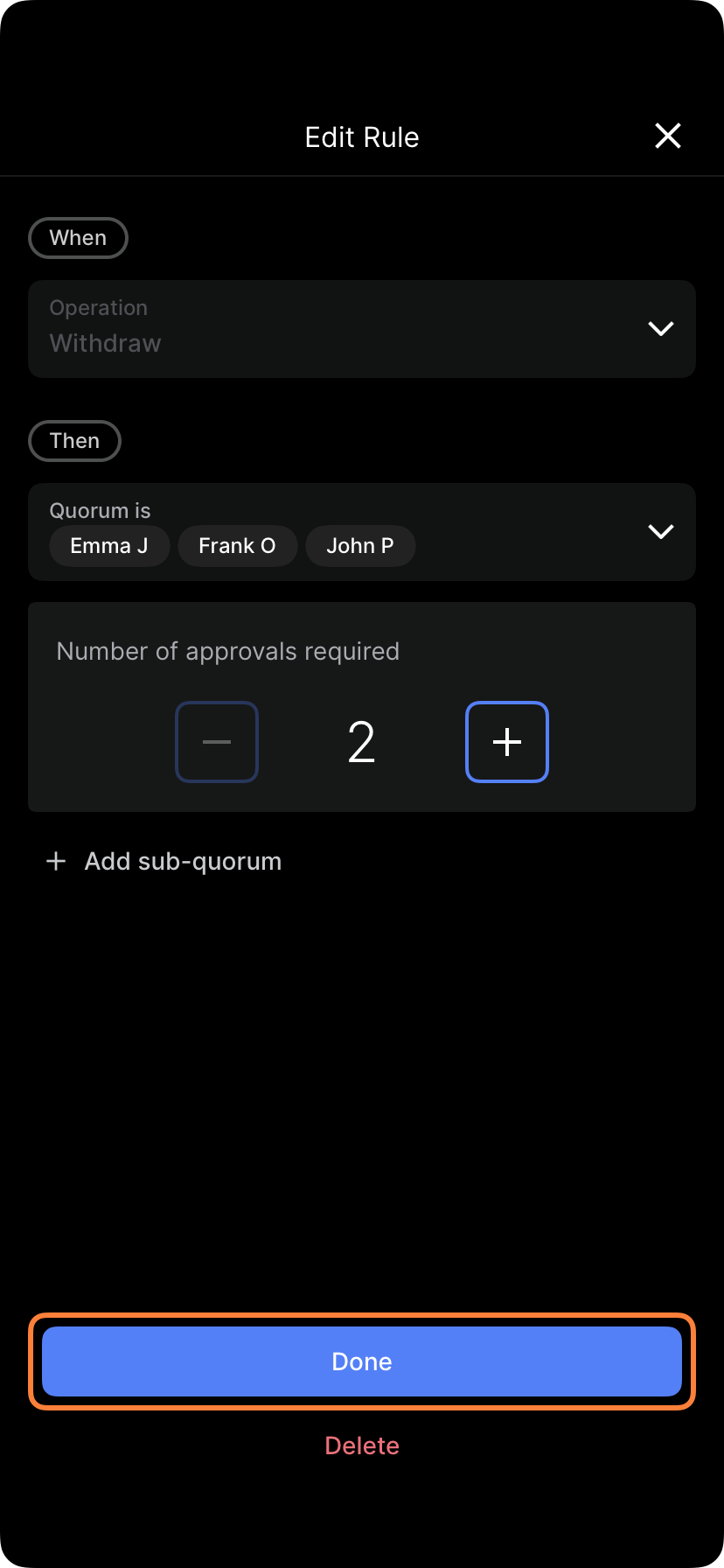
Finalize deletion
Tap Yes, delete or Confirm.
7
Handle orphaned references
If any rules referenced this subquorum, those rules may become invalid. You must fix them:
- Edit the rule to reference a different subquorum
- Delete the rule if it no longer makes sense
- Create a new subquorum if the purpose isn’t covered elsewhere
8
Submit policy changes
Tap Submit policy or Apply changes.
9
Approve if required
If policy changes require approval, the deletion must be approved.
What happens when you delete a subquorum
Before deletion:- Rule: “Large withdrawals require (Finance AND Risk approval)”
- Finance = 2 of 3 CFO, Controller, Treasurer
- Risk = 1 of 2 VP Risk, Compliance Officer
- Withdrawal $150k: Needs Finance + Risk approval
- Rule is now incomplete: “Large withdrawals require (Finance AND ???)”
- Operation cannot proceed until rule is fixed
- Fix: Modify rule to “Large withdrawals require Finance approval only”
Handling orphaned rules
When you delete a subquorum, any rules using that subquorum become invalid. You must fix them:Option 1: Remove the reference
If a rule says “(Finance) AND (Risk)”, and you delete Risk:- Edit rule to just “(Finance)”
- Approvals now only need Finance group
Option 2: Switch to another subquorum
If you delete Risk but want to replace it with a Compliance subquorum:- Edit the rule from “(Finance) AND (Risk)” to “(Finance) AND (Compliance)”
- Approvals now need Finance + Compliance
Option 3: Delete the rule entirely
If the rule no longer makes sense after deleting a subquorum:- Delete the rule
- Operations revert to other matching rules
Safe deletion practices
Method 1: Move members first
Instead of deleting, move members to a different subquorum:- Create new subquorum — “Consolidated Approval”
- Add members — Move all members from subquorum to be deleted
- Update rules — Change rules to reference new subquorum
- Then delete — Delete the old subquorum (now empty)
Method 2: Verify no dependencies
Before deleting, confirm:- Check all rules — Are there any rules using this subquorum?
- Backup the structure — Save the subquorum definition (in case you need to recreate it)
- Communicate first — Notify affected approvers
Method 3: Stage the deletion
Delete in phases:- Week 1: Remove subquorum from active rules (but don’t delete it yet)
- Week 2: Monitor — do operations route correctly without this subquorum?
- Week 3: If no issues, delete the subquorum
- Week 4: Document the deletion
When NOT to delete a subquorum
Don’t delete a subquorum if:- Still in use — It’s referenced by active rules
- Compliance requires it — Your regulatory obligations depend on it
- No alternative path — Deleting it would leave operations with no approval path
- Recent creation — You created it too recently to know if it’s working
- Historical significance — You’re maintaining it for audit purposes
Recovering a deleted subquorum
If you accidentally delete a subquorum:- Check version history — Some systems keep policy versions; roll back
- Recreate manually — Remember the members and requirement, create it again
- Request recovery — Contact your administrator or Porto support
Approval for subquorum deletion
Deleting a subquorum requires approval:- Approvers: Based on your admin policy
- Timing: Deletion takes effect after approval
- Audit trail: Deletion is recorded with all details
Communication around deletion
When deleting a subquorum, notify users:- Which subquorum — Name and purpose of the group being deleted
- Why — Business reason for deletion
- Effective date — When the deletion takes effect
- Impact — Which approvals change? Are they faster or slower?
- New approval process — If rules change, explain the new process
- “We’re deleting the ‘Risk Committee’ subquorum (VP Risk + Compliance Officer).”
- “Reason: Consolidating approval requirements to streamline operations.”
- “Effective: January 20”
- “New process: All withdrawals now require only Finance Committee approval (2 of 3).”
Audit trail of deletion
Subquorum deletion is recorded with:- When: Date and time deleted
- Who: User who requested deletion
- Approval: Who approved the deletion
- Previous definition: The full structure of what was deleted (subquorum name, members, requirement)
- Reason: Why it was deleted (if provided)
Simplifying complex structures
If you have many subquorums, consider simplifying: Before (complex):- 5 subquorums: Finance, Risk, Compliance, Legal, Operations
- Rules using combinations of all 5
- 2 subquorums: Finance and Specialists (Risk + Compliance + Legal + Operations together)
- Simpler rules: Finance AND Specialists
- Create Specialists subquorum with all specialist members
- Update rules to use simplified structure
- Delete the 4 individual specialist subquorums
Best practices for subquorum deletion
- Communicate early — Notify users before deleting
- Fix dependencies first — Update or delete rules referencing the subquorum
- Keep records — Document what was deleted and why
- Verify backups — Ensure you have a way to recover if needed
- Regular reviews — Quarterly cleanup of unused or redundant subquorums
- Simplify over time — Use deletions as opportunity to simplify structure
- One at a time — Delete only one subquorum per change cycle for clarity