

Total balances
On the Dashboard, the total balance at the top of the page is the USD value of the total on-chain balance held in the account, summed across all of its vaults.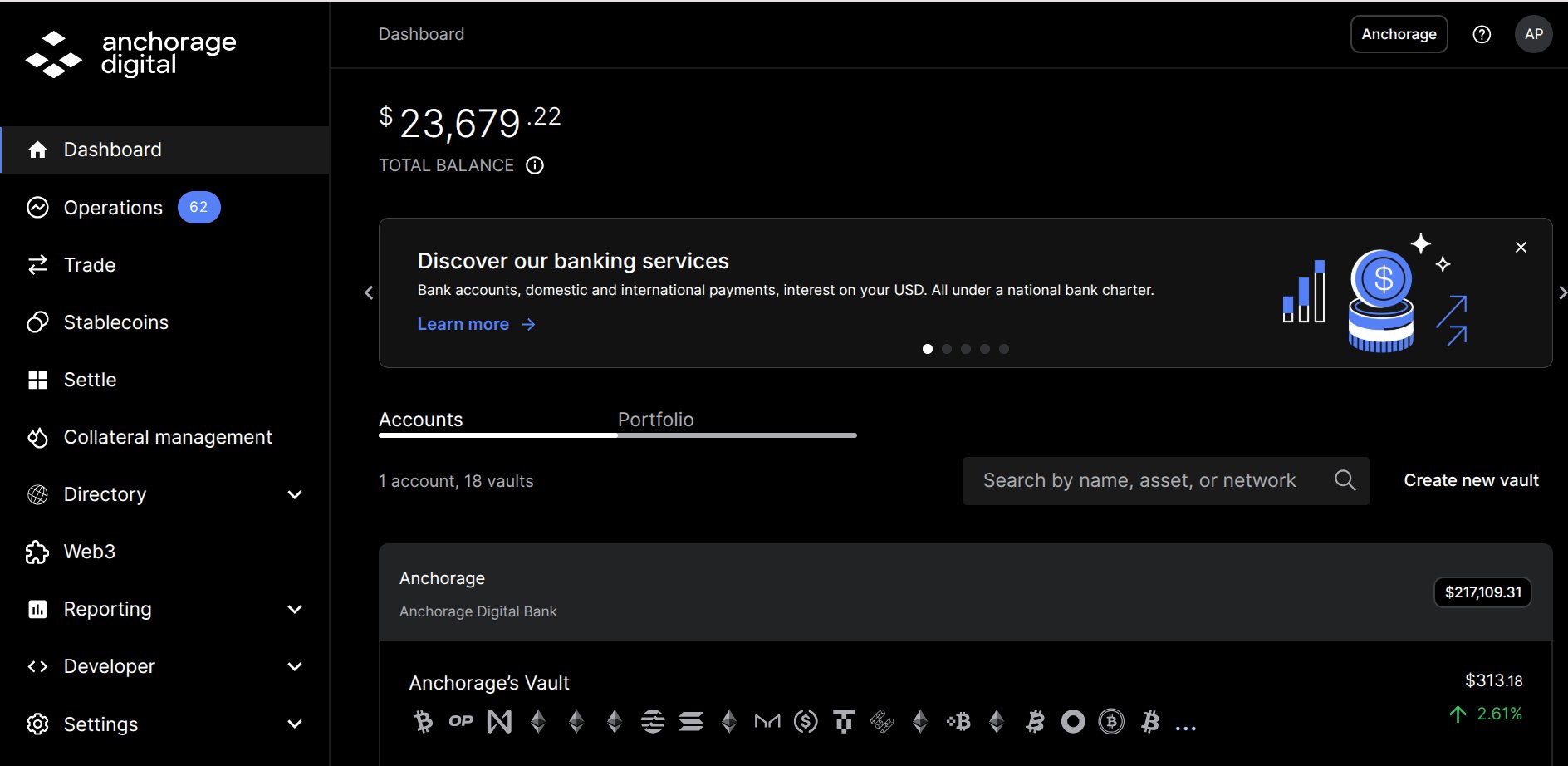
Dashboard total balance across the account
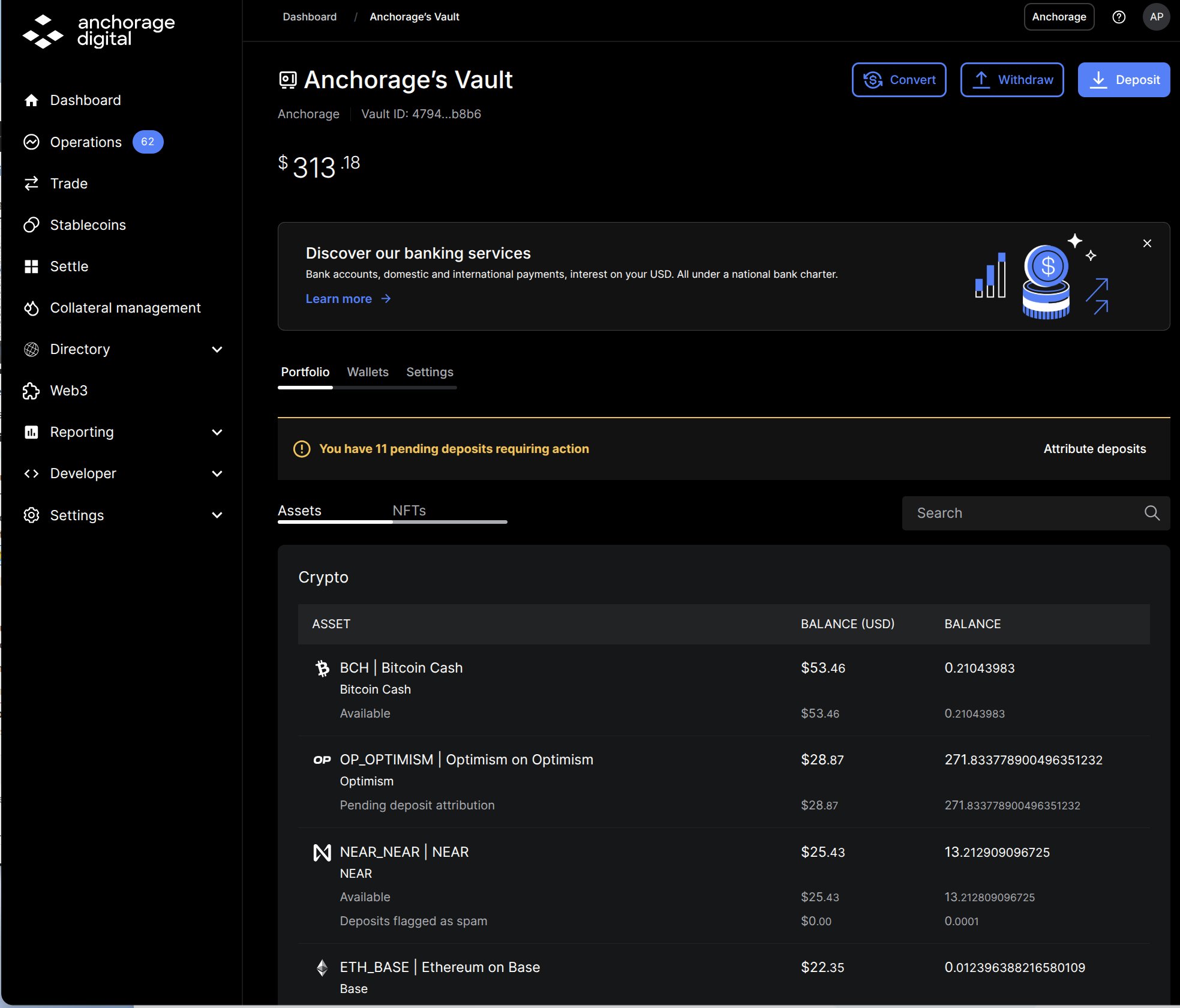
Vault total balance with per-asset line items in the Portfolio tab
Line-item balances
Under each asset’s top-line balance, the Portfolio and Wallets views break the amount into labeled line items — for example, Available or Pending deposit attribution. A line item appears only when its amount isn’t zero, so different assets show different rows, and the same concept can carry a network-specific name (see the asset-specific variants below).Standard labels
These labels can appear on any asset.Vesting and governance labels
These labels show the current state of a position — how much is locked, vested, or ready to claim right now. The schedule behind them, meaning the individual unlock dates and amounts, isn’t shown in the web dashboard or the iOS app, and there’s no export of it. If you need the full schedule for a position, raise it with your client experience team.
Staking labels
Stakeable assets also show a staking summary with three columns that are always present: Available to stake, Amount staked, and Unclaimed rewards. The line items below appear as they apply.Asset-specific staking variants
Some networks name the same staking concepts differently. Labels you may see instead:
For how staking works and per-asset guides, see Staking overview.