

Total balances
On the Dashboard, the total balance at the top of the page is the USD value of the total on-chain balance held in the account, summed across all of its vaults.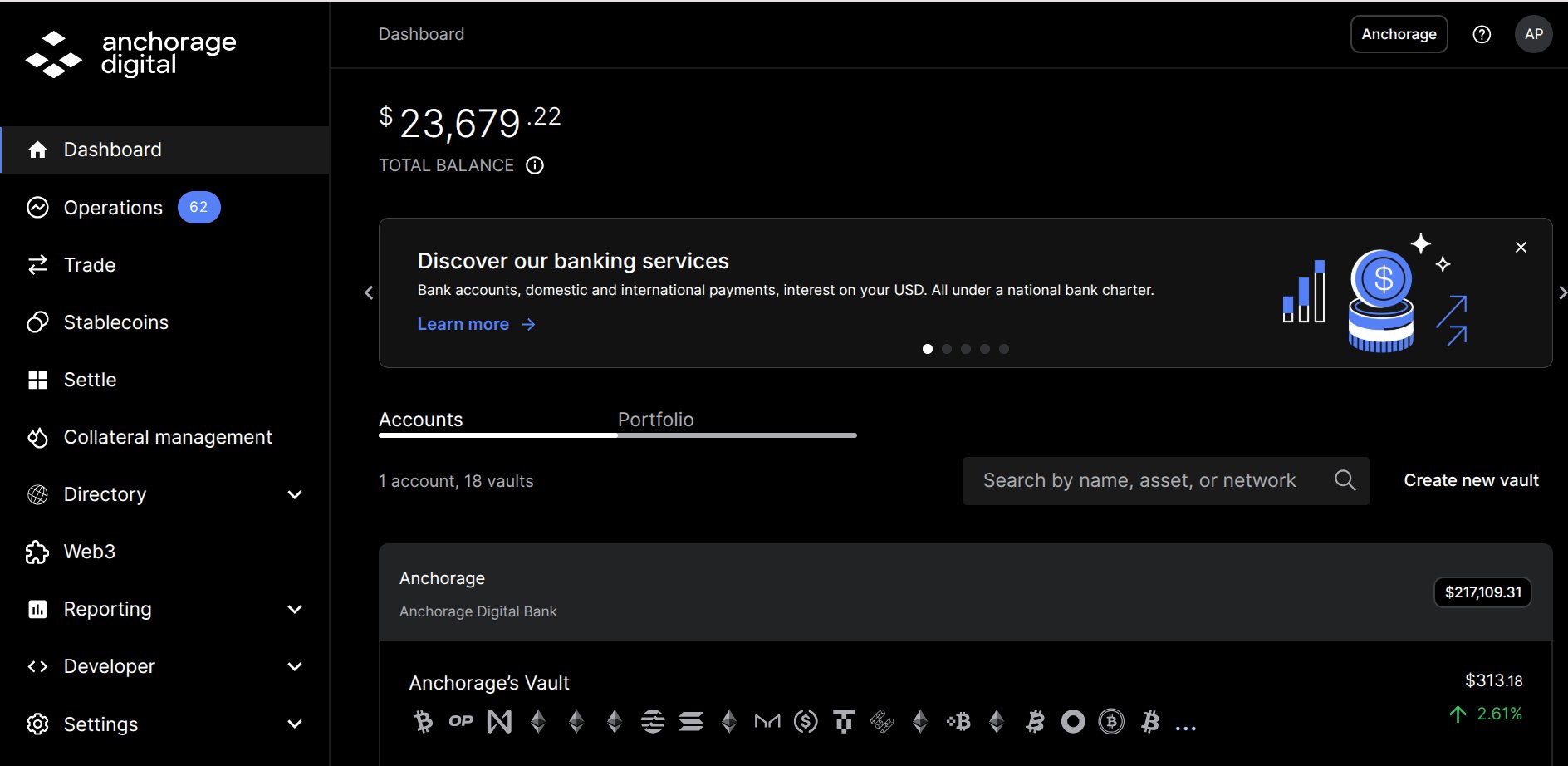
Dashboard total balance across the account
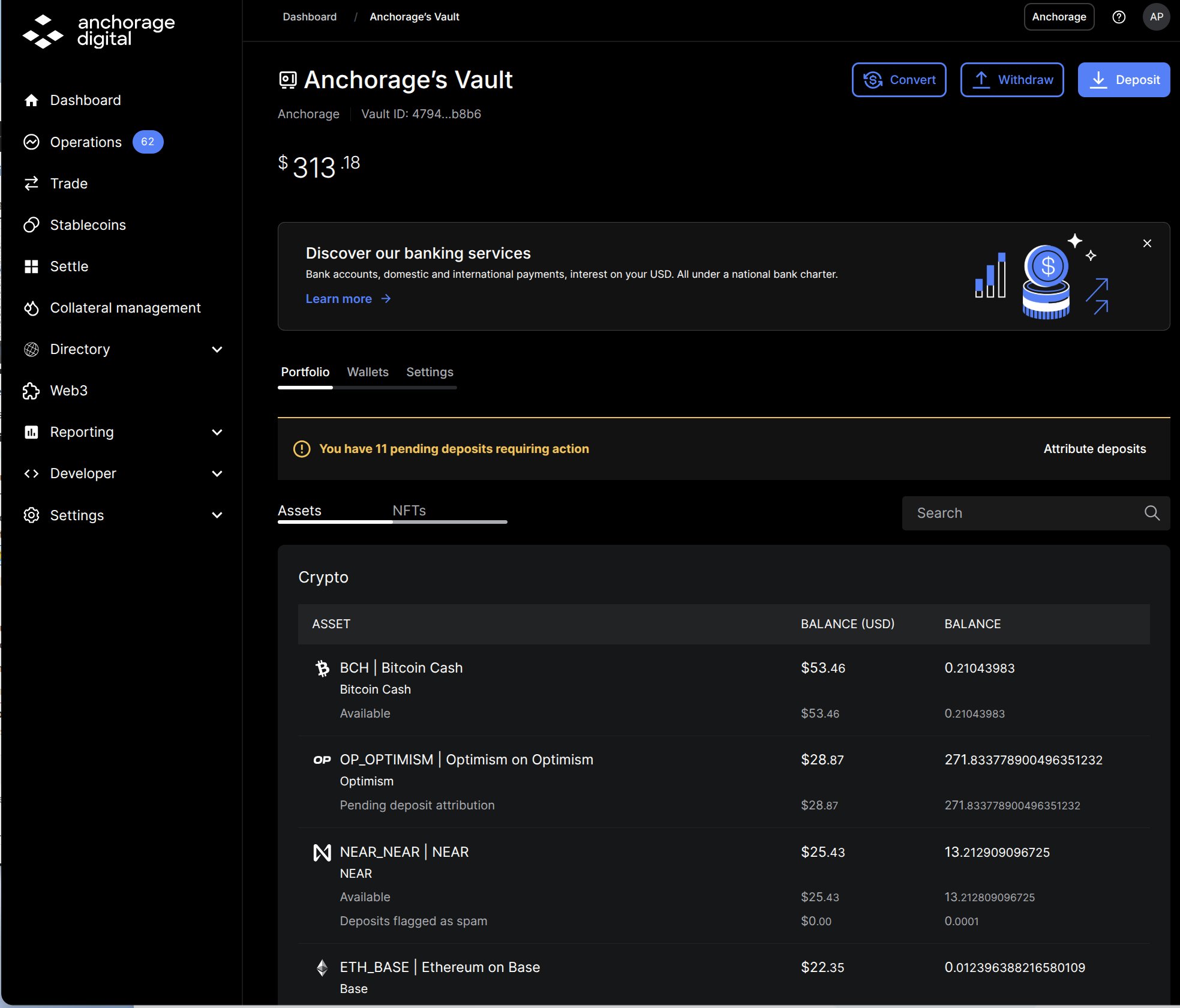
Vault total balance with per-asset line items in the Portfolio tab
Line-item balances
Under each asset’s top-line balance, the Portfolio and Wallets views break the amount into labeled line items—for example, Available or Pending deposit attribution. A line item appears only when its amount isn’t zero, so different assets show different rows, and the same concept can carry a network-specific name (see the asset-specific variants below).Standard labels
These labels can appear on any asset.Vesting and governance labels
Staking labels
Stakeable assets also show a staking summary with three columns that are always present: Available to stake, Amount staked, and Unclaimed rewards. The line items below appear as they apply.Asset-specific staking variants
Some networks name the same staking concepts differently. Labels you may see instead:
For how staking works and per-asset guides, see Staking overview.